Digital Document Signing in MiniCRM
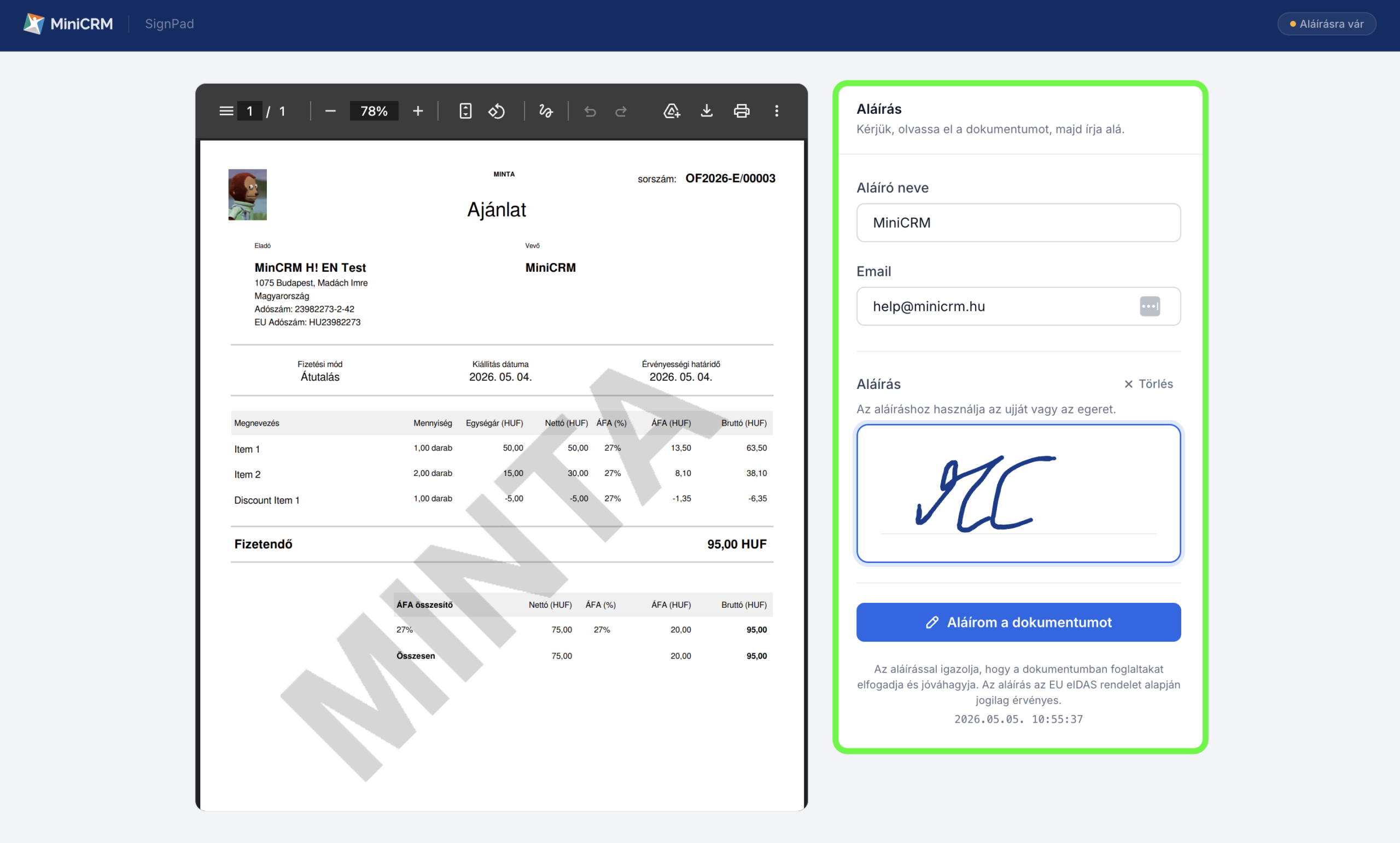
With the Digital Document Signing feature, item based documents can be signed faster and with less administrative effort.
Since the signing process takes place directly within MiniCRM, there is no need to print, scan, or return signed documents.
A Simple Electronic Signature (SES) has limited evidentiary value. However, where a relationship of trust exists between the parties—particularly in low-risk B2B contexts (such as work orders, certificates of completion, and acceptance declarations)—it is often considered a sufficient method of signing in practice.
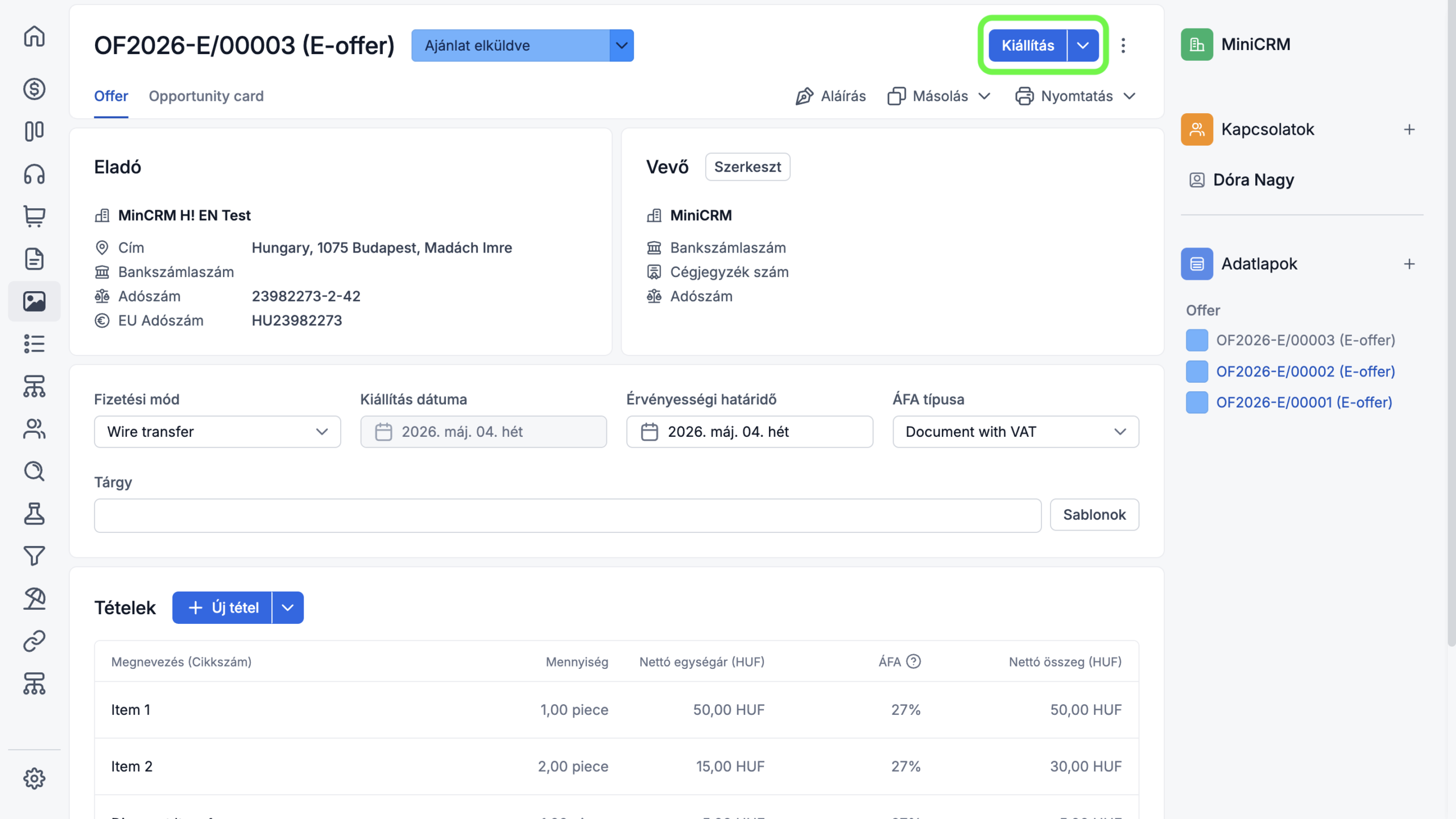
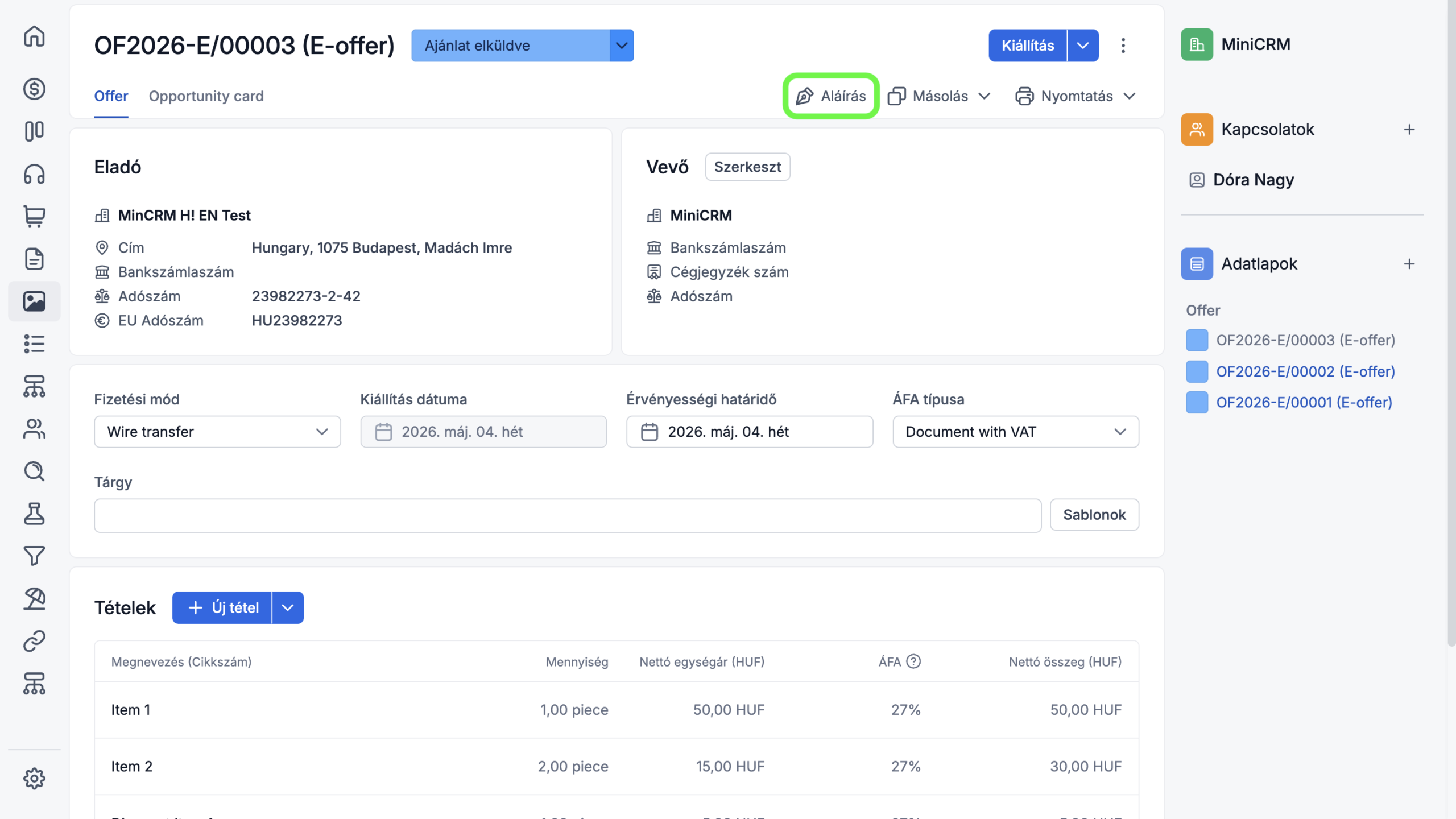
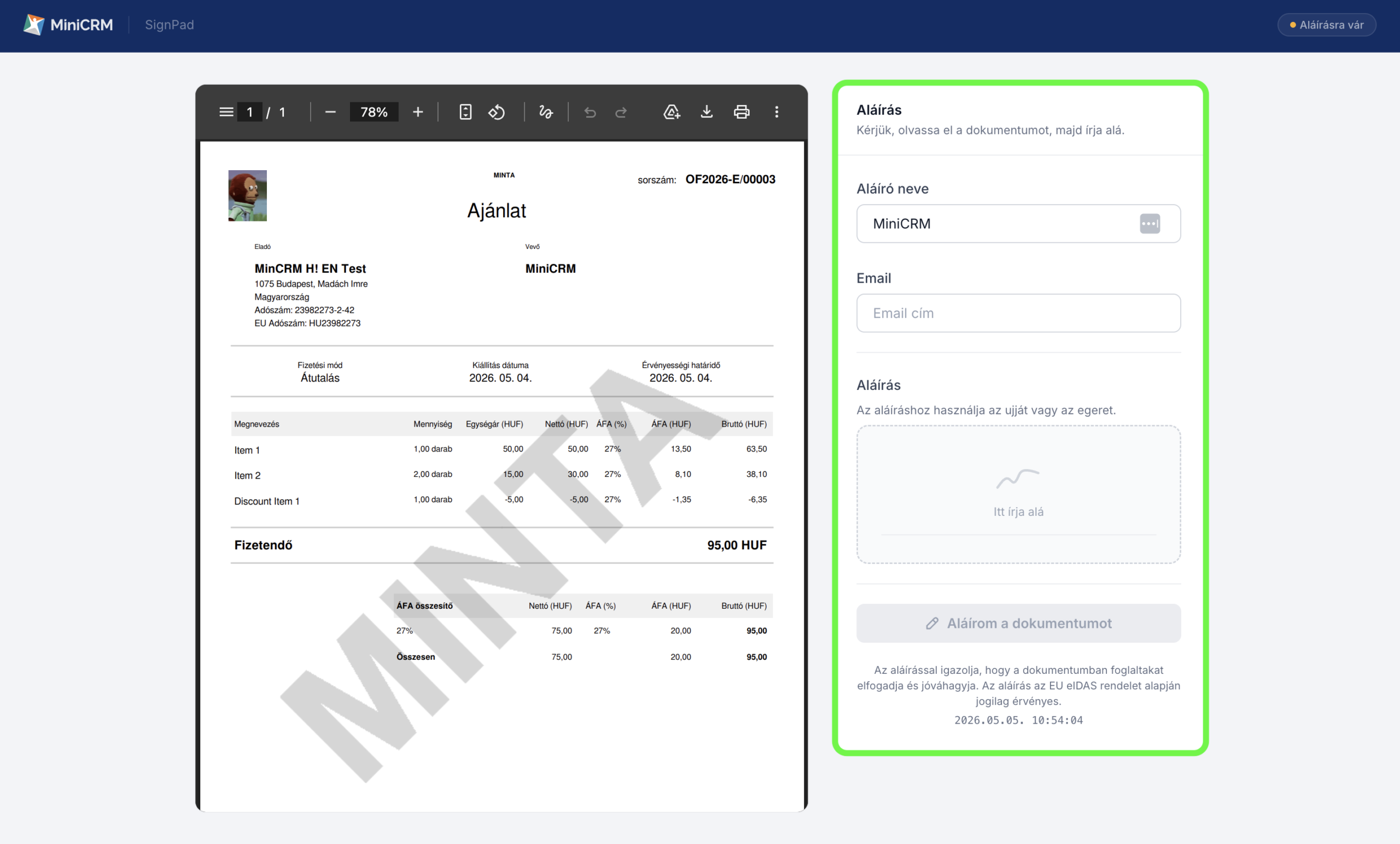
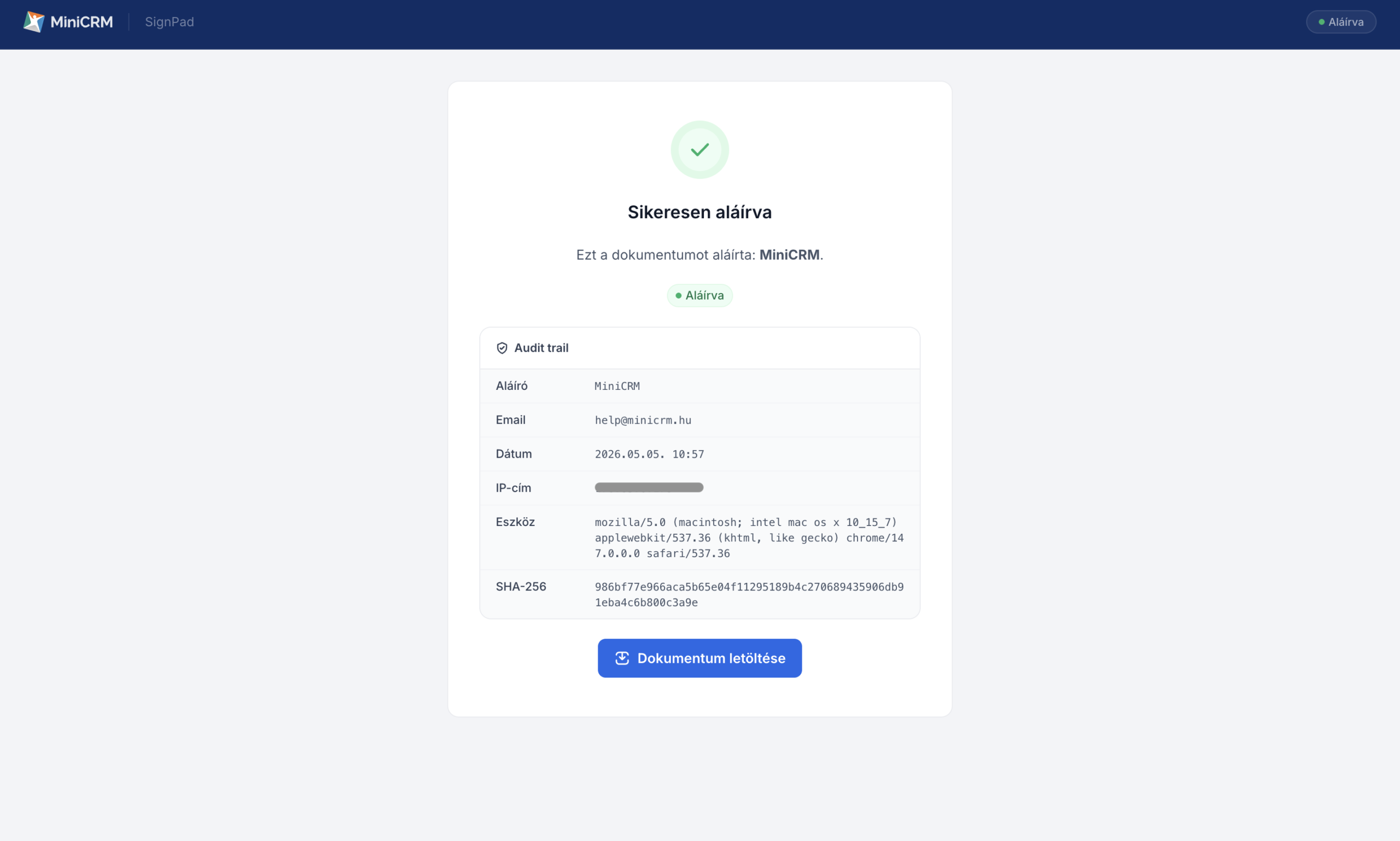
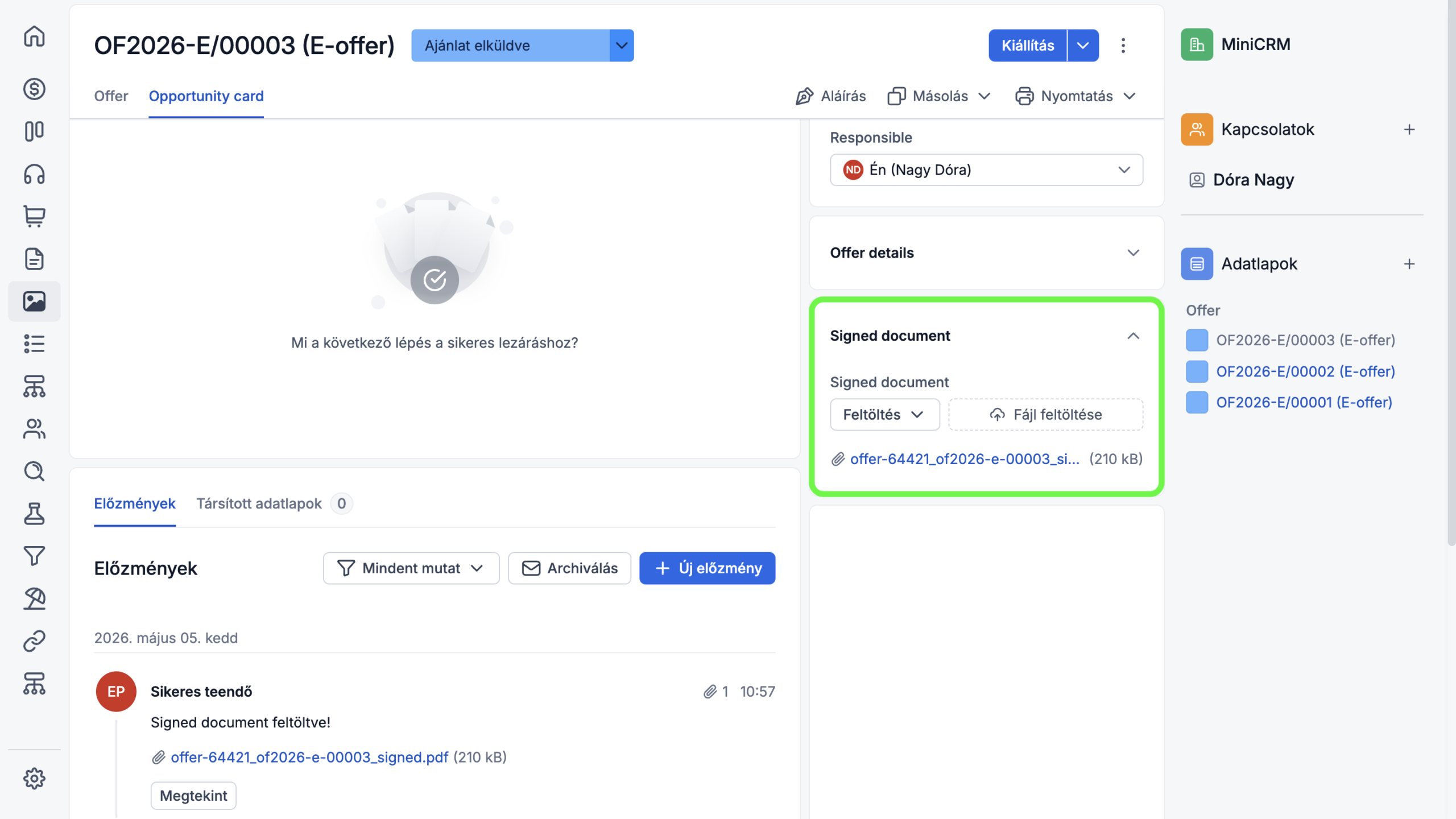
6. Automatic saving of the signed document
After signing, a file containing both the issued itemized document and the signature certificate is automatically saved on the record page. This makes it easy to retrieve at any time and also allows it to be automatically sent to the relevant parties.